

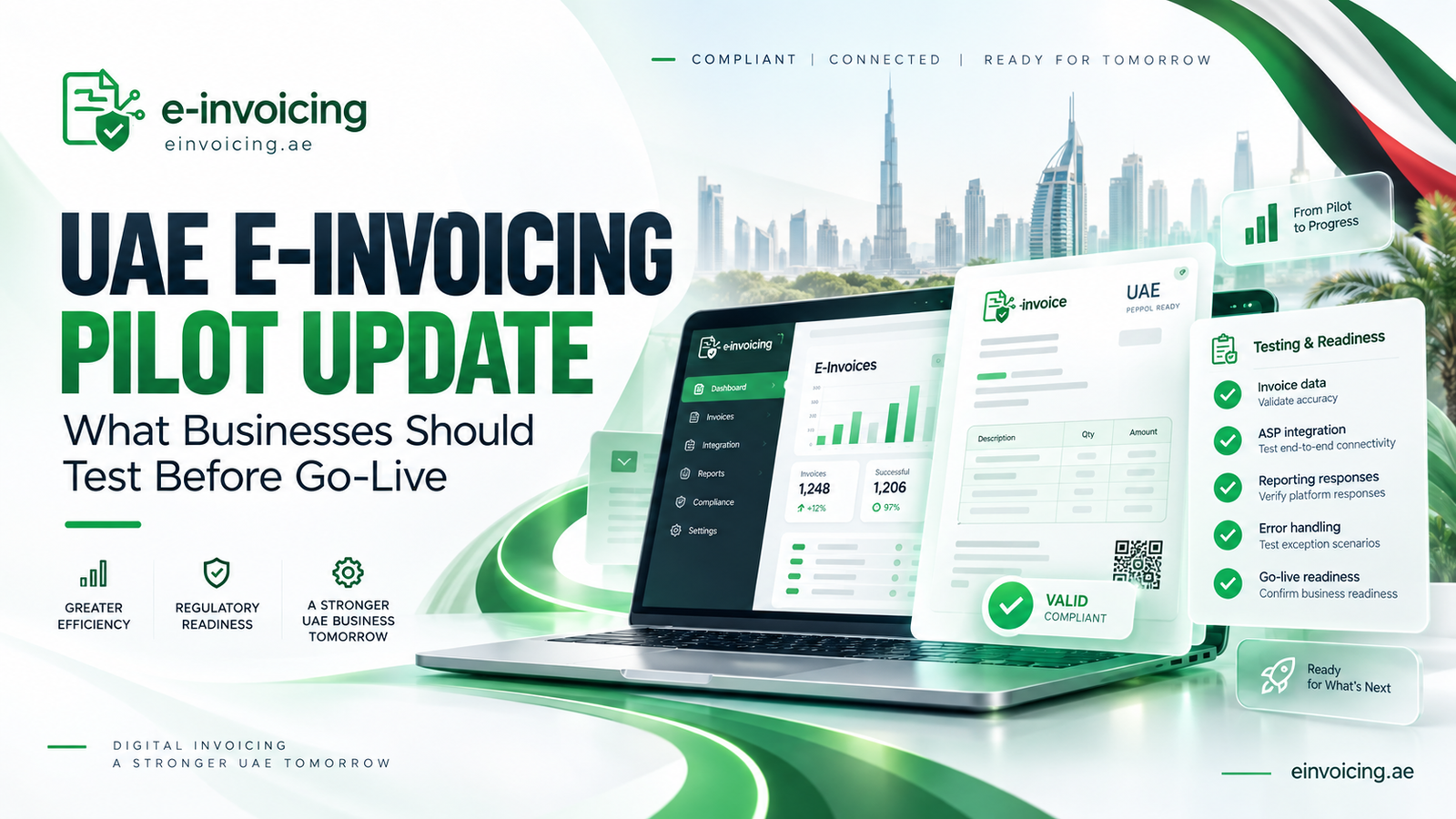
UAE E-Invoicing Pilot Update: What Businesses Should Test Before Go-Live
Before UAE e-invoicing go-live, businesses should test more than whether an invoice can be sent. Accurate data should reach the intended recipient, reporting responses should return, errors should be resolved, and accounting records should reconcile.
For business owners, finance managers and accountants, readiness means reviewing the complete process with the accounting software or ERP vendor and Accredited Service Provider (ASP). A successful connection test is only one part of that assessment.
What Is the Latest UAE E-Invoicing Pilot Update?
On 27 September 2026, the Ministry of Finance (MoF) confirmed that the pilot had reached an advanced stage of practical testing, with the 5-Corner Model operational. The announcement described testing invoice exchange, tax-data reporting and interoperability before mandatory implementation.
The model connects the supplier, supplier’s ASP, buyer’s ASP, buyer and Federal Tax Authority (FTA). Invoice exchange and tax-data reporting are separate processes within this framework.
For businesses preparing to implement e-invoicing, the priority is therefore to test complete transaction workflows rather than isolated invoice creation.
Does the Pilot Change Your Implementation Deadline?
The September announcement did not introduce an immediate mandatory requirement for every UAE business.
For businesses subject to the system with annual revenue of AED 50 million or more, the ASP appointment deadline is 30 October 2026, while mandatory implementation remains 1 January 2027.
Official pilot participation involves MoF selection and written agreement. Voluntary implementation is a separate route, and internal testing alone does not make a business an official pilot participant.
Confirm your applicable implementation phase and complete necessary system changes before scheduling final acceptance testing. Our ERP preparation guide covers the earlier preparation work.
What Should Businesses Test Before Go-Live?
The following checklist is our recommended implementation approach, not a separate set of statutory obligations. Agree test environments, responsibilities, document scenarios and expected outcomes with your ASP.
Select transactions from every relevant legal entity and billing system. Include high-volume workflows and less frequent transactions with significant tax consequences. Keep synthetic test documents separate from production invoices.
Before testing, agree how invoices will be handled when a customer is not yet onboarded. Confirm the applicable routing and reporting approach with the ASP rather than assuming every recipient has the same technical setup.
1. Customer, Supplier and Invoice Data
Check legal names, addresses, applicable tax identifiers and electronic routing details against the underlying customer and supplier records. Review the document types and conditional requirements described in our mandatory invoice fields guide.
Introduce missing mandatory information and incorrect data into the agreed test environment. Confirm that errors are identified rather than silently replaced with unrelated details.
Assign owners for master-data corrections and field mapping. Where several systems supply the same information, document which source takes precedence.
Expected result: Correct records map accurately, exceptions are understandable, and finance can trace each value from the source system to the structured invoice.
2. VAT, Totals, Discounts and Currency
Compare quantities, prices, discounts, charges, taxable amounts, VAT and payable totals between the source system and structured output. Include relevant foreign-currency transactions, exchange rates, rounding and AED tax amounts.
PINT AE 1.0.4, released on 2 June 2026, corrected validation for reverse charge, standard-rated VAT, mixed VAT categories and malformed numeric values. These are technical validation changes, not new VAT legislation.
Expected result: Calculations agree with the approved tax treatment and applicable technical rules. Record the specification and validator versions used and repeat affected tests following changes. Do not assume that passing technical validation proves the underlying tax treatment is correct.
3. Credit Notes and Relevant Transaction Types
Build the test register around your actual operations. Include relevant credit notes, exports, advance payments, retention arrangements, self-billing and other specialised invoicing flows.
For adjustments, check the document type, correction reason, applicable original-document references and accounting entries. Test full and partial adjustments where relevant.
Do not assume that one successfully transmitted sales invoice demonstrates readiness for every transaction your business processes.
Expected result: Each scenario produces the intended document and accounting outcome. Corrections remain traceable without duplicating revenue, VAT or receivables. Finance should approve the commercial and tax results, while technical teams confirm the document processing.
4. Invoice Exchange and Reporting Responses
The MoF model includes separate Message Level Status (MLS) responses for invoice exchange and tax-data reporting. The Tax Data Document (TDD) is reported to the FTA through the ASP framework. A generic “sent” message does not demonstrate completion of every stage.
Test how responses reach your team and connect to the relevant invoice. Cover incoming supplier invoices as well as outgoing sales invoices.
Preserve links between the accounting invoice number, relevant transmission identifiers and returned statuses so exceptions can be efficiently investigated without recreating the transaction.
Expected result: Finance can distinguish exchange results from reporting results, identify pending responses and escalate failures. Track customer approval and payment separately; technical acknowledgements should not be treated as evidence that the buyer has approved the invoice commercially.
5. Rejections, Interruptions and Duplicate Prevention
Simulate invalid data, delayed responses and interrupted connections within the agreed testing environment.
Determine the appropriate recovery action for each failure. Depending on the document’s status, this may involve correcting data before issue, retrying transmission, resolving reporting errors or following the applicable corrective-document process.
Never change VAT categories merely to obtain technical acceptance.
Expected result: Reprocessing does not create duplicate business documents, reporting records or ledger entries. Staff can identify queued transactions and confirm their eventual completion. Preserve the original error and recovery evidence instead of replacing it with an unexplained success status.
6. Reconciliation, Storage and Retrieval
Reconcile document counts and values across accounting records, ASP records and relevant reporting responses. Investigate missing invoices, unmatched credit notes and unexplained status differences.
MoF guidance distinguishes ASP transaction logs from invoice content. Storage may be delegated contractually, but the business remains responsible for meeting its retention obligations.
Expected result: Authorised staff can retrieve structured invoices, credit notes and associated records. Confirm what the archive contains and test exports without relying on one employee’s login.
Review our storage and payment rules guide when defining archive responsibilities.
7. Capacity, Access and Operational Support
Test peak transaction volumes, including month-end batches. Review permissions, approval controls, monitoring and escalation procedures.
Ask another trained employee to resolve an exception using the documented process. Confirm who contacts the ASP, who corrects source data and who approves tax-related changes.
Expected result: The process works during busy periods and staff absence. Agree incident response targets and recovery responsibilities before deployment. Where relevant, rehearse restoration of connectivity and controlled processing of the accumulated backlog.
How Should Finance Teams Resolve Test Failures?
Maintain one shared Go-Live Test Register recording each scenario, expected outcome, actual result, document reference, issue owner, corrective action, retest date and evidence.
Classify failures as data, tax, integration, reporting or operational issues. Assign them to people who can resolve the underlying cause, rather than sending every problem to IT.
AI-assisted explanations may help staff interpret errors using approved, anonymised data. Keep validation rule-based and require human review before changing tax treatment.
Close issues only after successful retesting. Repeat related scenarios when a correction affects shared mapping or calculation logic.
When Is Your Business Ready to Go Live?
We recommend joint approval by finance and the implementation lead when critical scenarios pass, material discrepancies are resolved, responses are traceable and records are retrievable.
Treat incorrect routing, wrong tax amounts, unresolved reporting failures and duplicate creation as launch blockers.
Document the production transition, outstanding transactions, support contacts and initial monitoring arrangements. These are internal readiness criteria, not MoF or FTA certification. Obtain qualified tax advice for unresolved transaction-specific questions.
Prepare Your Business for Go-Live
Contact einvoicing.ae for an e-invoicing readiness assessment to review invoice data, testing coverage and implementation gaps.
Approve deployment based on documented results across the complete process, not simply a successful software demonstration.