
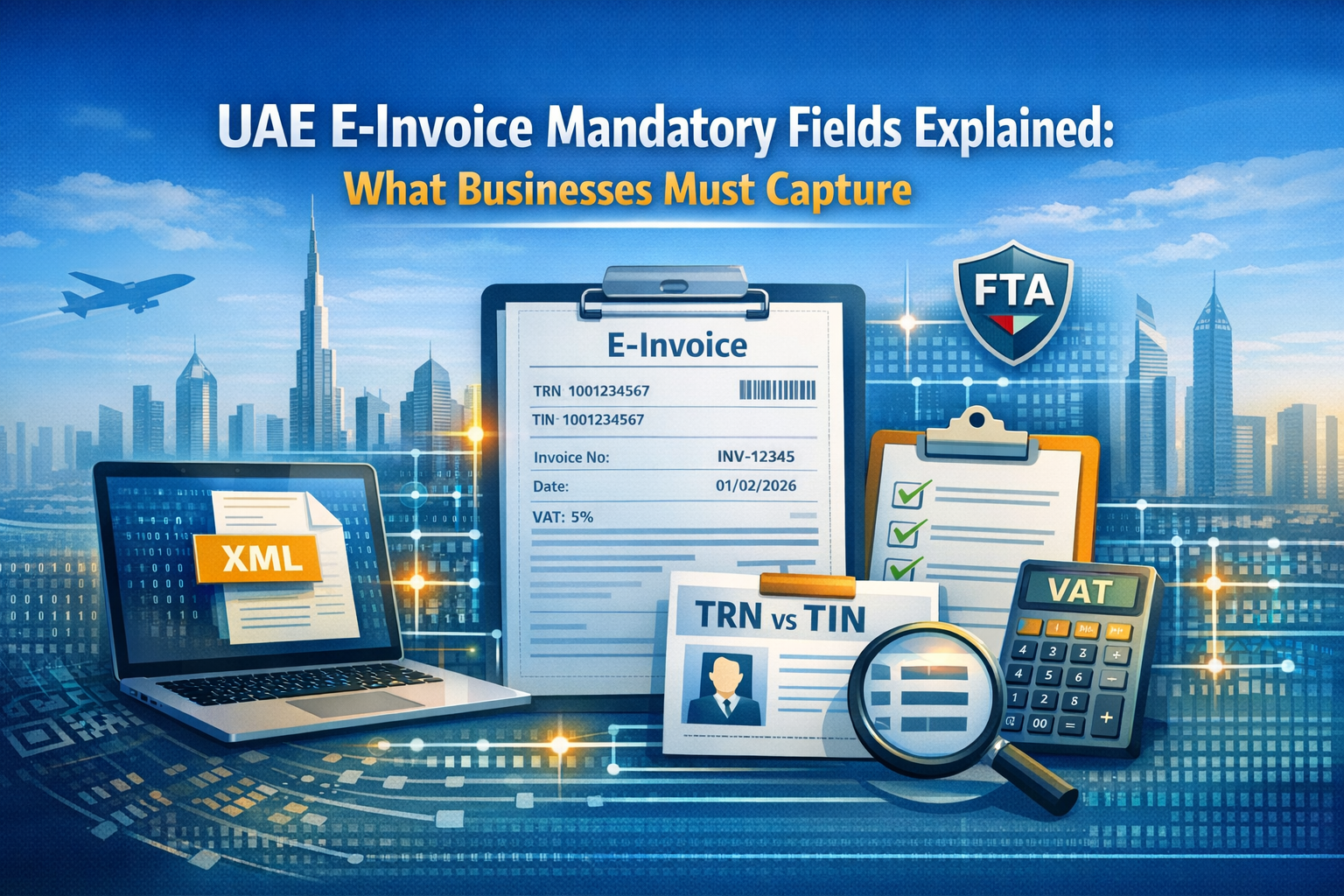
If your system cannot produce the right invoice data, your invoice can fail before your customer ever processes it. That is why UAE e-invoice mandatory fields matter. Under the Ministry of Finance’s current mandatory-fields document, an electronic Tax Invoice has 51 numbered fields and a commercial electronic invoice has 49, but the exact fields still depend on the document type and the invoice scenario.
For most UAE businesses, the real challenge is not “What is an e-invoice?” It is: What data do we need to capture in ERP, accounting, POS, or billing systems so our invoices validate, exchange, and report correctly?
At a glance
- As of February 2026, the MoF mandatory-fields document numbers 51 fields for an electronic Tax Invoice and 49 fields for a commercial electronic invoice.
- UAE e-invoices must be structured electronic data. PDFs, Word files, images, scans, and emails are not eInvoices.
- The UAE framework uses XML, and the MoF Guidelines state that eInvoices will not have a QR code or barcode.
- Your e-invoicing participant identifier is based on your TIN. For tax-registered entities, the TIN is the first 10 digits of the TRN.
- TRN is not required on every document. Current MoF guidance says it should appear on electronic Tax Invoices and Tax Credit Notes, but it is not mandatory for Commercial Invoices and for exempt or out-of-scope transactions.
- Mandatory go-live starts after the pilot and voluntary phase from 1 July 2026, followed by phased implementation in 2027.
Why mandatory fields matter
Mandatory fields are not just a technical checklist. They affect whether your invoice can be identified, validated, exchanged, taxed correctly, and stored properly. If key data is missing or mapped incorrectly, the invoice may fail validation or create downstream issues in accounts receivable, accounts payable, VAT reporting, and audit trails.
This is also where many businesses underestimate the project. UAE e-invoicing is not simply about making invoices digital. It is about making invoice data structured, complete, and reusable across systems.
What is a structured e-invoice in the UAE?
A UAE eInvoice is a structured form of invoice data that is issued and exchanged electronically between supplier and buyer and reported electronically to the Federal Tax Authority. In practice, that means it is created in a format systems can read and process automatically, rather than a static file sent by email.
That is why the structured e-invoice vs PDF question matters so much. A PDF may still be useful as a human-readable copy, but it is not the compliant eInvoice. The compliant record is the structured XML data.
How many mandatory fields are there?
As of February 2026, the MoF’s v1.0 mandatory-fields document numbers:
- 51 fields for an electronic Tax Invoice
- 49 fields for a commercial electronic invoice
That does not mean every business uses one single invoice template forever. The MoF Guidelines make clear that requirements can vary by document type and by scenario, such as free zone transactions, exports, summary invoices, continuous supply, disclosed agent billing, e-commerce, and margin scheme cases.
Tax Invoice vs Commercial Invoice: what’s the difference?
The table below summarizes the MoF’s current approach to the two main invoice document types of businesses need to understand. It is based on the MoF Guidelines and the v1.0 mandatory-fields document.
| Document Type | Typical use | Numbered fields in MoF v1.0 | TRN usually required? |
|---|---|---|---|
| Electronic Tax Invoice | Taxable supplies made by a taxable person | 51 | Yes, current guidance says TRN should be included |
| Commercial electronic invoice | Supplies that do not require a Tax Invoice under VAT rules, such as exempt or out-of-scope supplies, or supplies by persons not VAT-registered | 49 | No, not mandatory under current guidance |
A simple way to think about it: Tax Invoices are for VAT-taxable invoicing; Commercial Invoices cover non-tax-invoice scenarios. That distinction changes which fields apply.
UAE e-invoice mandatory fields by category
1) Supplier details
These fields identify who is issuing the invoice and how the system routes it. Current MoF field lists include items such as seller name, seller electronic address, seller electronic identifier, legal registration identifier and type, tax identifier, tax scheme code, and address fields.
In practice, this is where entity-level data problems show up first. If the wrong entity name, tax identifier, or endpoint logic is used, the invoice can be routed or interpreted incorrectly.
2) Buyer details
Buyer fields tell the system who should receive the invoice and what type of tax or registration data belongs to the customer. For Tax Invoices, the mandatory list includes buyer name, electronic address, electronic identifier, buyer tax identifier, buyer tax scheme code, and address fields.
For Commercial Invoices, the field set changes slightly. Instead of buyer tax identifier and tax scheme code, the document uses buyer legal registration identifier and buyer legal registration identifier type. That is a practical reminder that your customer master data may need different logic by document type.
3) Invoice details
These fields describe the document itself. Current MoF lists include invoice number, invoice date, invoice type code, invoice currency code, invoice transaction type code, payment due date, business process type, specification identifier, and payment means type code.
One field that deserves special attention is the invoice transaction type code. This field captures scenarios such as free zone, deemed supply, margin scheme, summary invoice, continuous supply, agent billing, e-commerce, and exports. That means businesses may need rule-based invoice logic rather than one flat invoice setup.
4) Tax details
Tax fields go beyond showing a single VAT amount. The field list requires both document totals and a tax breakdown, including taxable amount, tax amount, tax category code, and tax rate by tax category. The Guidelines also state that tax category is one of the mandatory fields for each transaction.
This matters because VAT treatment in the UAE is not one-size-fits-all. If your tax category or rate is wrong at header or line level, the invoice may still look correct to a person while remaining incorrect for system validation and reporting.
5) Line-item details
Line-level fields are often where the most avoidable problems happen. Current MoF lists for electronic Tax Invoices include invoice line identifier, quantity, unit of measure, line net amount, item net price, item gross price, item price base quantity, item tax category code, item tax rate, VAT line amount in AED, invoice line amount in AED, item name, and item description.
This means invoice data quality is not just about header fields. If line descriptions, quantities, tax categories, or unit logic are inconsistent, your invoice may still create issues even when totals appear correct.
Mandatory fields table
The table below groups the mandatory fields into practical business categories. It is a simplification of the MoF’s field lists for easier implementation planning.
| Field Category | Examples | Why Required | Risk if Incorrect |
|---|---|---|---|
| Invoice Details | Invoice number, date, type code, scenario code, due date | Identifies the document and the rules that apply | Failed validation, wrong scenario handling |
| Supplier Details | Seller name, TIN/electronic address, TRN where relevant, address | Identifies issuer and routing endpoint | Wrong entity data, routing errors |
| Buyer Details | Buyer name, electronic address, TRN or legal registration fields | Identifies recipient and buyer status | Delivery issues, customer mismatches |
| Document Totals | Net total, tax total, gross total, amount due | Supports tax calculation and payment logic | Reconciliation and reporting issues |
| Tax Breakdown | Taxable amount, tax amount, tax category code, tax rate | Supports correct VAT treatment | Incorrect VAT treatment |
| Line-item Details | Quantity, UOM, item price, line tax rate, item description | Supports line-level tax and auditability | Pricing and tax errors, credit note issues |
TIN vs TRN UAE: what’s the difference?
This is one of the biggest confusion points in UAE e-invoicing compliance.
The MoF says your participant identifier for e-invoicing is based on your Tax Identification Number (TIN). If you are already registered for tax, the TIN is the first 10 digits of your TRN. If you are in scope for e-invoicing but not registered for a tax type, you need to obtain a TIN from the FTA through Emara Tax.
The TRN is the full tax registration number. Under current MoF guidance, it should be included on electronic Tax Invoices and electronic Tax Credit Notes, but it is not mandatory for Commercial Invoices or for exempt and out-of-scope transactions.
Common TIN/TRN mistakes
- Putting the full TRN in the field meant for the TIN
- Assuming TRN is required on every invoice
- Using the tax group representative’s identifier instead of each group member’s own TIN. The MoF says each tax group member has its own TIN for e-invoicing.
ERP and accounting impact
This is where the blog topic becomes real for finance and IT teams. Mandatory fields affect:
- ERP and billing data mapping
- Customer and supplier master data
- Tax codes and invoice scenario logic
- Credit notes processing
- Testing and exception handling
- Archiving and retrieval controls
The MoF Guidelines say businesses should identify system changes, onboard with an ASP, test exchange and reporting, and define responsibilities for resolving errors before go-live. They also state that e-invoice data must remain accessible, reproducible, and retrievable throughout the record-keeping period.
Practical checklist: are you ready?
Use this checklist to assess whether your business is ready to capture e-invoice mandatory data UAE correctly.
- Confirm which outputs are Tax Invoices and which are Commercial Invoices
- Validate TIN vs TRN rules by entity and document type
- Clean customer and supplier master data: names, identifiers, addresses, country codes
- Map invoice fields from ERP, POS, billing tools, or spreadsheets to the MoF field list
- Add rule logic for scenarios such as free zone, exports, e-commerce, summary invoices, or continuous supply
- Define the credit note process for cancellations, returns, refunds, or pricing errors
- Run end-to-end testing with your ASP before go-live
Common mistakes businesses make
The most common mistakes are predictable:
- Treating a PDF as the official eInvoice instead of the structured XML record.
- Assuming the same field set applies to every invoice type and scenario.
- Assuming TRN is mandatory everywhere.
- Leaving master data cleanup until the end of the project.
- Testing only one “happy path” invoice and ignoring edge cases like exports or summary invoices.
How to avoid invoice rejection and rework
The safest approach is straightforward:
- Decide the document type first.
- Build a field-mapping sheet that shows exactly where each mandatory field comes from in your system.
- Clean TIN/TRN logic, registration identifiers, addresses, and tax codes before testing.
- Test multiple invoice scenarios with your ASP, not just one standard invoice.
- Keep a human-readable invoice copy for users, but treat the structured XML as the official record.